Open-source USB tool unlocks Nvidia’s AI limiter on Windows GPUs
A new open-source UEFI tool lets Windows users unlock Nvidia’s AI performance limiter on RTX 20, 30, and 40-series GPUs via a USB drive. The project, called nv-uefi-unlocker, removes Nvidia’s tensor speed restriction by modifying firmware settings before the GPU driver loads. A developer reported a 65% increase in FP16 math performance on an RTX 4060 laptop, though results vary by card and…
Key points
- USB-based UEFI tool unlocks Nvidia’s AI limiter on RTX 20/30/40 GPUs without BIOS flashing or driver patches
- Developer reports **65% FP16 math boost** on an RTX 4060, but results vary by card and workload
- Requires disabling Secure Boot and rebooting daily; unsupported on RTX 50-series and pre-Turing cards
The unlocker works on desktops and laptops but requires Secure Boot to be disabled or set to trust a self-signed EFI. Some caveats remain: the change resets on reboot, power limits may still restrict performance, and RTX 50-series cards are unsupported for now. The project credits community work like Zagitta’s gpu-unlock and gpu-unlock-ada but notes Windows support is experimental. Developers warn against combining it with power-limit tools like nvoc, as it could exceed thermal or power limits. The tool’s safety relies on manual verification of Nvidia’s driver packages before rebuilding firmware files locally.
The story so far
4 episodes →- Open-source USB tool unlocks Nvidia’s AI limiter on Windows GPUsthis story
Open-source USB tool unlocks Nvidia's half-speed GPU AI limiter on Windows — lifts GPU's FP16 math performance up to 65%, UEFI unlocker covers RTX 20, 30, and 40-series desktops and laptops
Tom's Hardware · 1 November 2026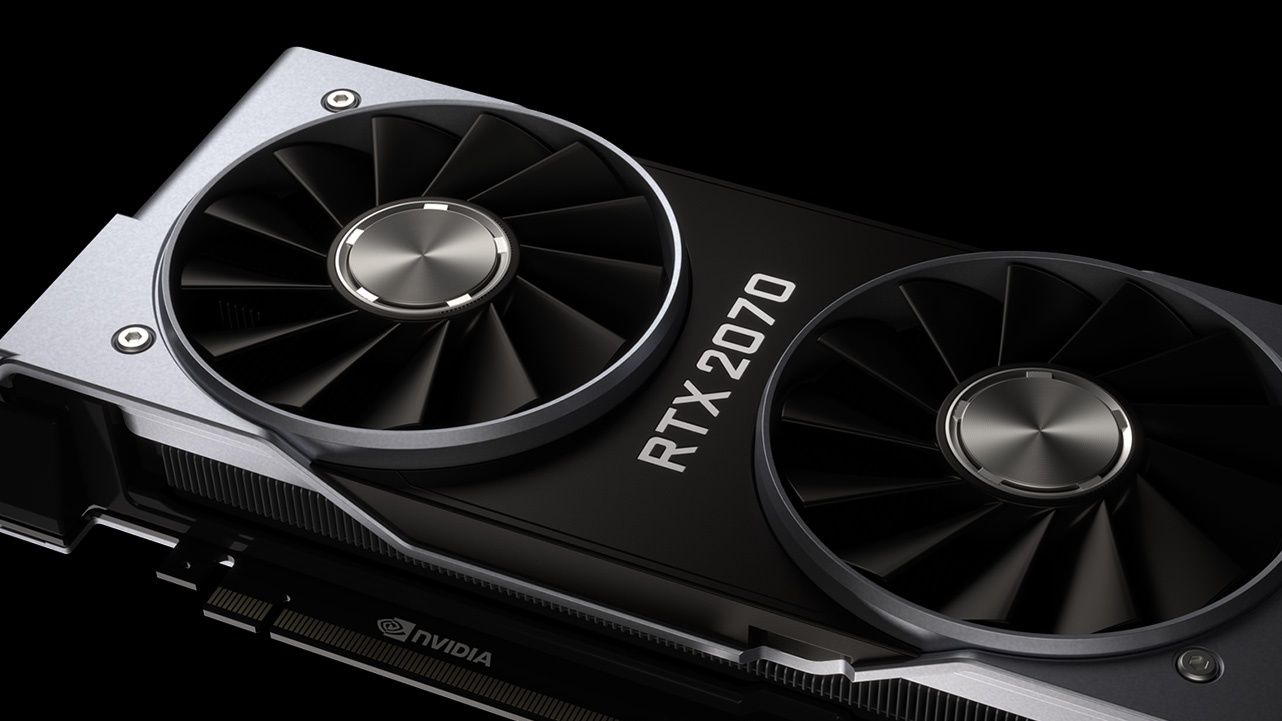
Loading the full article…
This text was published by Tom's Hardware and written by Shane Downing. It is reproduced here with attribution so you can read it in full; the rights remain with the publisher. Read it at the source ↗
The headline, key points and digest above were generated by Digest AI's editorial model from the linked sources. Automated summaries can contain errors: the sources are the record. Spotted a mistake? Tell us. Published by Martin K., who runs Digest AI and handles corrections.
More in Hardware & Compute
All →- Oracle unveils Acceleron updates for AI workloads · 1 src
- Lenovo ThinkPlus FU100 fingerprint USB stick is just a plain SD card · 1 src
- Google's Project Suncatcher satellite returns first AI-generated haiku from orbit using Gemma 4 on TPU · 12 src
- I built an AI Tamagotchi before Meta could · 1 src
- Darkbloom warns of falling token earnings as AI prices drop 77% in five months · 1 src
Comments
via GitHub Discussions