Claude Fable 5.2 automates 3D workflows in Blender with camera corrections
Claude Fable 5.2 demonstrated its ability to handle complex 3D workflows autonomously in Blender, including generating cinematic sequences, animating characters, and designing camera movements. In a test, it created a bird flying from a forest to a savannah, arranged trees, animated the bird, and set camera paths. The tool also self-corrected errors like camera clipping before rendering a gray…
What you can do with it
AI at Work →Create product ads with Claude Fable 5.2 with Blender and Higgsfield
What you get You can build game environments.
Automates scene building, character animation, and camera movements in Blender.
- Who for
- marketers
- Cost
- Price not stated
Use it for
- Create product ads
- Build game environments
- Prototype film scenes
How to set it up · From the article
- Install Blender add-on via MCP server page and connect Higgsfield via Claude’s custom connector
- Define scene layout and camera paths in Blender, then prompt Claude to execute
- Render a gray preview in Blender for adjustments before finalizing in Higgsfield
Watch out Limited rollout: not open to everyone yet
Claude Fable 5.2 with Blender and Higgsfield in the tool directory
Key points from the news
- Claude Fable 5.2 autonomously builds 3D scenes, animates characters, and sets camera paths in Blender
- Tool self-corrects errors like camera clipping before rendering gray previews in Blender and finalizing in Higgsfield
- Workflows reduce costs and time for gaming, filmmaking, and product ads by enabling rapid prototyping
The workflow involves Blender for scene planning and Higgsfield for rendering, with Claude acting as an intermediary via a custom connector. Users can define scenes, camera paths, and prompts in Blender, while Higgsfield’s autopilot mode—powered by Claude—handles the heavy lifting. The system is designed for efficiency, allowing creators to generate professional-quality content with minimal manual input. Six best-practice rules, such as rendering low-preview scenes first and testing camera movements, help optimize results. The toolset positions Claude Fable 5.2 as a game-changer for digital content creation, democratizing access to high-end production capabilities.
Model page: Claude Fable 5.2 →
Watch Claude Fable 5.2 Self-Correct Camera Clipping in Blender
geeky-gadgets.com · 16 November 2026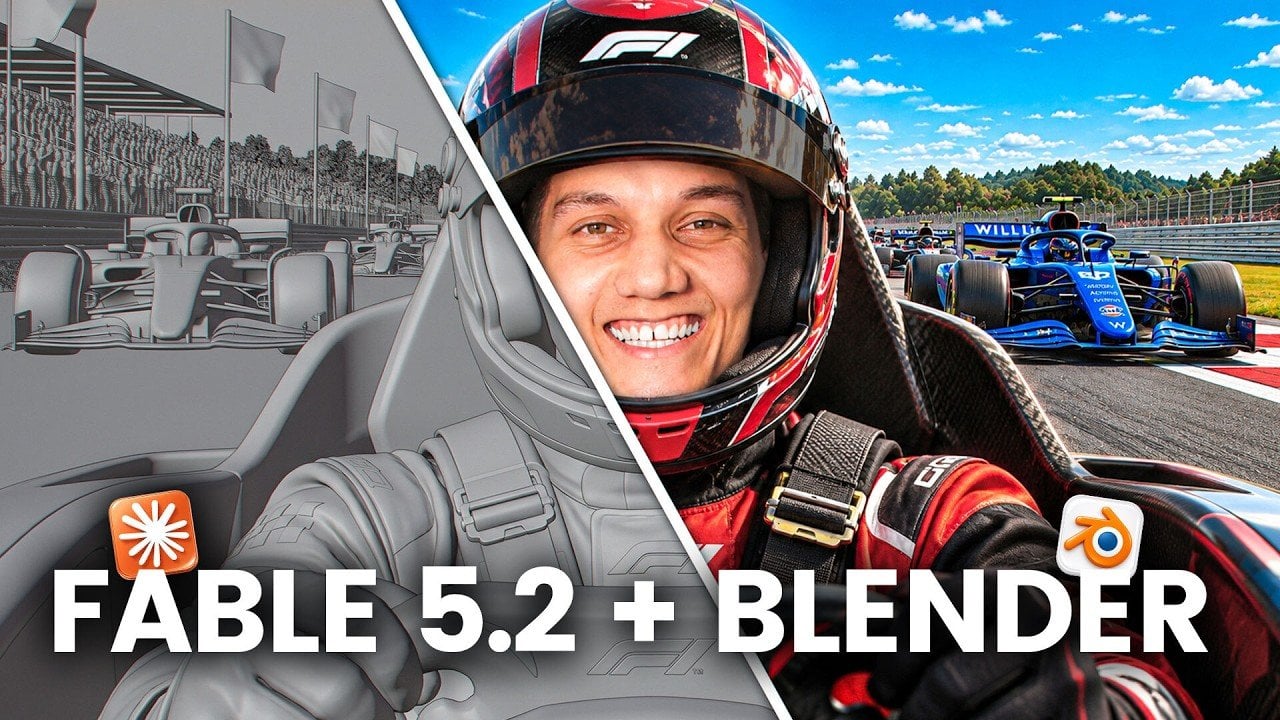
Loading the full article…
This text was published by geeky-gadgets.com and written by Julian Horsey. It is reproduced here with attribution so you can read it in full; the rights remain with the publisher. Read it at the source ↗
The headline, key points and digest above were generated by Digest AI's editorial model from the linked sources. Automated summaries can contain errors: the sources are the record. Spotted a mistake? Tell us. Published by Martin K., who runs Digest AI and handles corrections.
More in Marketing & Small Business
All →- Google Wallet: Google Search gets more tailored with apps integration · 1 src
- Google introduces Gemini 4 Neon for faster, cheaper deep tasks at 2,900 yen/month · 8 src
- Ao schedules Claude tasks: AI works while he sleeps · 2 src
- Claude verifies 167-year-old math proof · 3 src
- Claude AI adds voice support to Apple CarPlay for iPhone users · 2 src
Comments
via GitHub Discussions