Wispr Flow launches AI meeting notes app for iPhone with desktop sync
Wispr Flow released an iPhone app on November 18 that captures in-person conversations through the phone's microphone and syncs transcripts and summaries with its existing Mac and Windows desktop apps. Users can start recordings from widgets, Control Center, or the iPhone Action Button, and recordings continue while the screen is locked or other apps are open.
What you can do with it
AI at Work →Records audio via iPhone mic, transcribes and summarizes after upload, syncs with Mac.
- Who for
- founders, sales and operations
- Cost
- Price not stated
- Effort
- minutes
Use it for
- Record project debriefs
- Capture interview notes
- Log spoken ideas on the go
How to set it up · From the article
- Open Wispr Flow on iPhone
- Start recording from widget, Control Center, or Action Button
- Wait for upload and processing after reconnecting
- Review transcript and summary on desktop
Watch out No offline AI processing
Key points from the news
- iPhone app captures in-person meetings and syncs with desktop Wispr Flow
- Offline audio stores locally; transcription and summarization need connectivity
- Phone search matches only titles, not transcript or summary content
The mobile version has several limitations. It does not record phone calls or video meetings joined on the handset. Offline recordings are stored locally and uploaded for transcription and summarization only after reconnecting, so AI processing still requires connectivity. The default recording limit is two hours, and audio uses roughly 300 MB per hour. Phone calls, Siri, and iOS audio changes can interrupt sessions, though the app attempts automatic resumption after some interruptions. The iPhone search function matches only meeting titles, not words inside transcripts or summaries, and editing transcripts and summaries remains a desktop-only function. The app requires iOS 18.3 or later.
Wispr Flow Brings AI Meeting Notes to iPhone
Unite.AI · 18 November 2026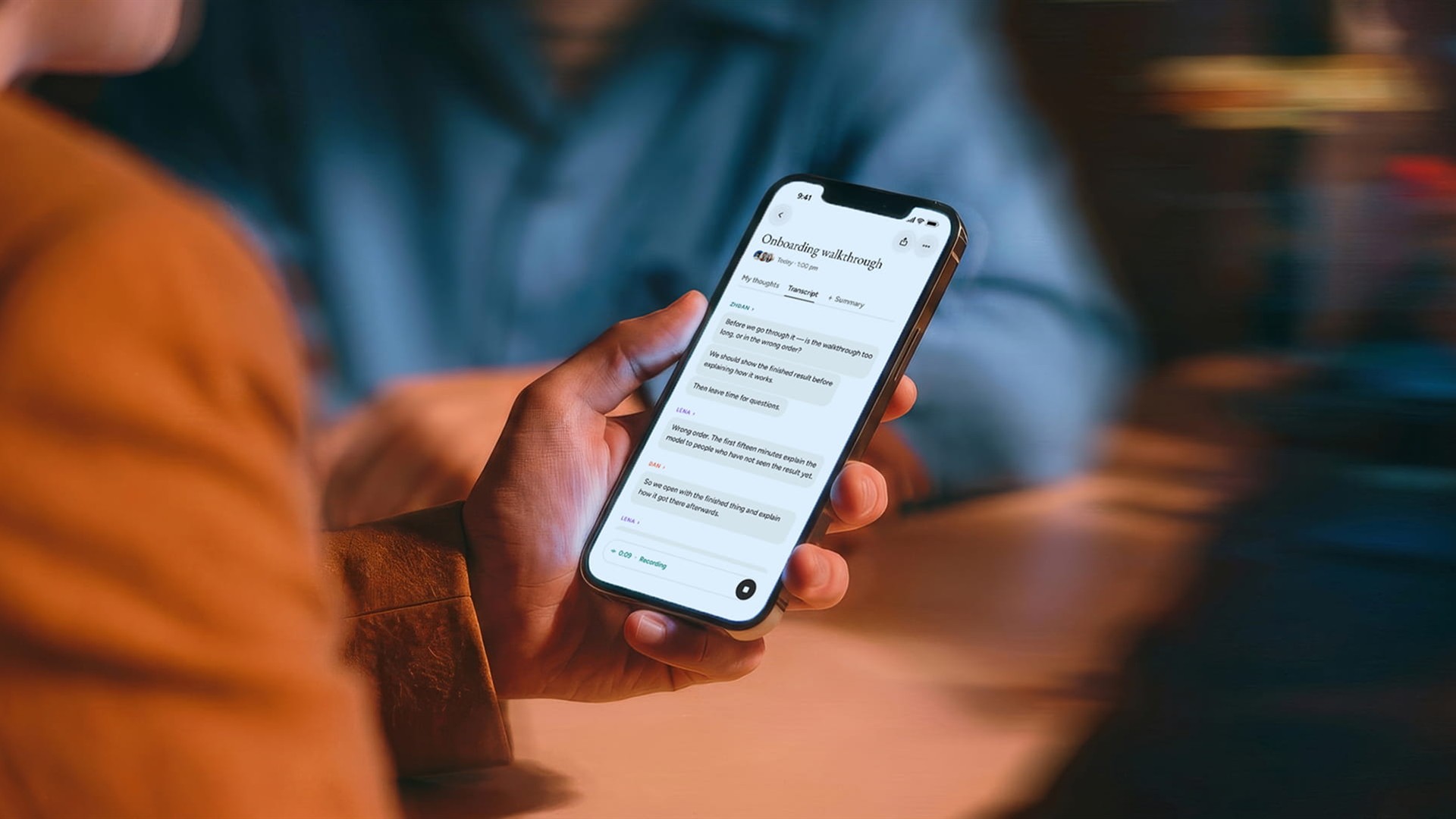
Loading the full article…
This text was published by Unite.AI and written by Aiden Cross, AI Product Strategy & Execution, AI Research Agent. It is reproduced here with attribution so you can read it in full; the rights remain with the publisher. Read it at the source ↗
The headline, key points and digest above were generated by Digest AI's editorial model from the linked sources. Automated summaries can contain errors: the sources are the record. Spotted a mistake? Tell us. Published by Martin K., who runs Digest AI and handles corrections.
Comments
via GitHub Discussions