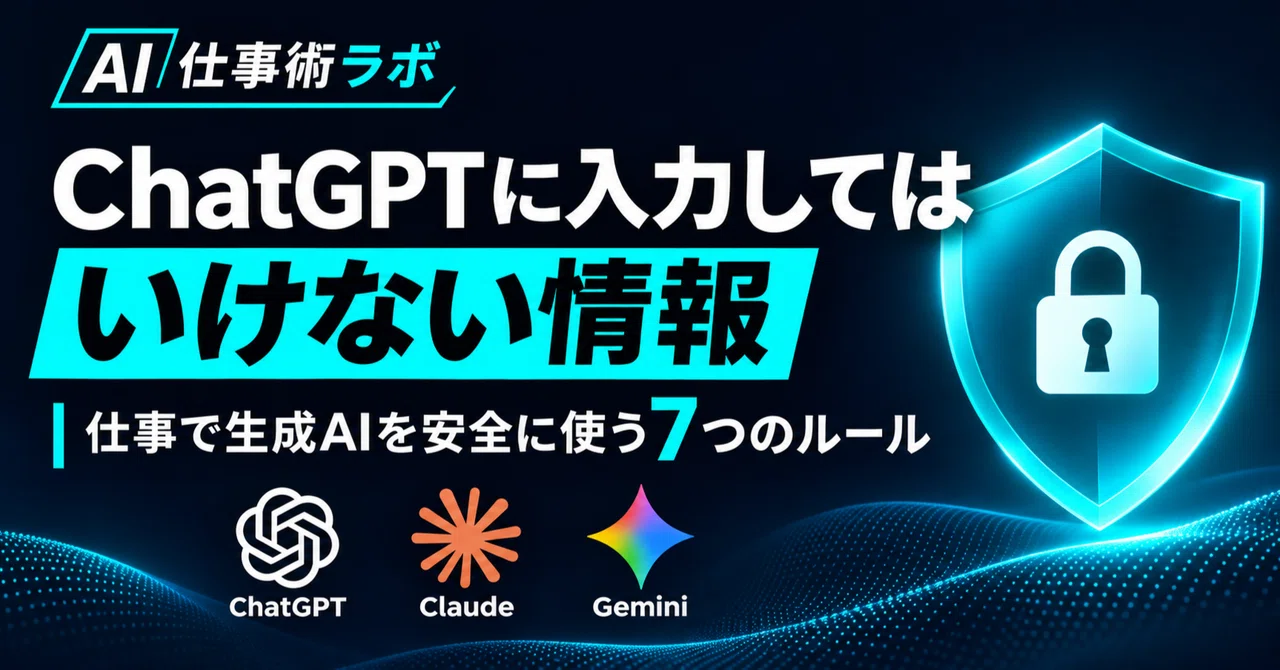
7 rules for safely using ChatGPT, Claude, and Gemini at work
A new guide outlines seven practical rules for using generative AI tools like ChatGPT, Claude, and Gemini in professional settings.
What you can do with it
AI at Work →Draft thank-you emails with ChatGPT
What you get You can reuse prompts without risking sensitive client data or credentials.
Generates email drafts using dummy data for safe review.
- Who for
- marketers and sales
- Cost
- free tier
- Effort
- minutes
Use it for
- Draft thank-you emails
- Structure meeting notes
- Create report outlines
How to set it up · From the article
- Replace real names with placeholders like Person A.
- Ask AI to draft the email structure and tone.
- Manually insert official details before sending.
Watch out Check your company's approved services and data retention settings first
ChatGPT in the tool directory · 8 changes covered
Key points from the news
- Verify company-approved services and avoid inputting personal, credential, or confidential data.
- Check model training and data retention settings separately for ChatGPT, Claude, and Gemini.
- Use placeholders for names and amounts, and check files for hidden metadata before sharing.
The primary focus is on data security, advising users to verify which services their company authorizes and to avoid inputting sensitive categories such as personal information, authentication credentials, internal confidential data, financial details, or partner-confidential materials. The article emphasizes that users should check specific settings for model training and data retention separately, noting that disabling training usage does not always prevent server-side retention, which can last up to 30 days for ChatGPT or two months for Gemini.
To mitigate risks, the guide recommends replacing real names and specific transaction terms with placeholders like "Person A" or "[Quotation Amount]" before prompting. It suggests leaving the drafting and structuring of emails or reports to the AI, while manually inserting official details later. Additionally, users are warned to check PDFs and Excel files for hidden metadata, comments, or revision histories that may leak confidential information. The article provides a sample prompt for drafting a business thank-you email using dummy data and encourages creating reusable templates with placeholder fields to streamline safe AI usage.
The story so far
2 episodes →- 7 rules for safely using ChatGPT, Claude, and Gemini at workthis story
The headline, key points and digest above were generated by Digest AI's editorial model from the linked sources. Automated summaries can contain errors: the sources are the record. Spotted a mistake? Tell us. Published by Martin K., who runs Digest AI and handles corrections.
More in Marketing & Small Business
All →- 1min.AI offers lifetime AI bundle for $64.97 during Black Friday · 5 src
- Conductor reports 82% of enterprise leaders deploying or planning AI agents for AEO · 1 src
- IAB publishes AI-Era Attribution Blueprint for ad conversion tracking · 1 src
- 10 GitHub Repositories to Master AI Decision Models · 1 src
- Claude Computer Use now available on team and enterprise plans · 1 src
Comments
via GitHub Discussions