How to set up five AI “employees” for note writing with ChatGPT and Claude
The guide walks creators through building a small team of AI "employees" by assigning separate ChatGPT or Claude chats to distinct roles such as research, article drafting, image instruction, review, and distribution. Each role has a ready‑to‑paste prompt, and the author shows how to name and save the chats using the Projects feature that keeps the initial instructions persistent.
What you can do with it
AI at Work →Draft an article and five slides using GPT-6 Astra
What you get You can write blog articles and create presentation slides.
Guides users to create research notes, an article, and five slides.
- Who for
- marketers, founders and support teams
- Cost
- Price not stated
- Effort
- an afternoon
Use it for
- Write blog articles
- Create presentation slides
- Organize research notes
How to set it up · From the article
- Choose a theme and define completion criteria.
- Write a short article using a four-component prompt.
- Break the article into five explanatory slides.
Watch out Usage fees for AI services may apply separately
GPT-6 Astra in the tool directory · 3 changes covered
Key points from the news
- Five role‑specific prompts (Research, Article, Image, Review, Distribution) can be saved as separate chats or projects.
- Start with two rooms – Research Specialist and Article Specialist – using detailed Japanese prompts to guide topic selection and style learning.
- Mixing roles in one chat degrades output; using the Projects feature preserves prompts across sessions.
The recommended start is to create just two rooms – a Research Specialist and an Article Specialist – and follow the detailed prompts (provided in Japanese) that tell the AI to pick trending #AI‑related topics, suggest headlines, and learn the writer’s style from three past articles. The guide also lists three common pitfalls, how to avoid them, and a weekly workflow for managing the AI team without extra tools or costly configurations.
Because the method relies only on built‑in chat features, it can be adapted as UI names change. Marketers and solo creators can use the system to generate ideas, draft posts, and produce image instructions quickly, cutting the time spent on brainstorming and style alignment.
Claude AI Employee Creation Guidebook [6 Prompts - Full Text]
note.com · 22 September 2026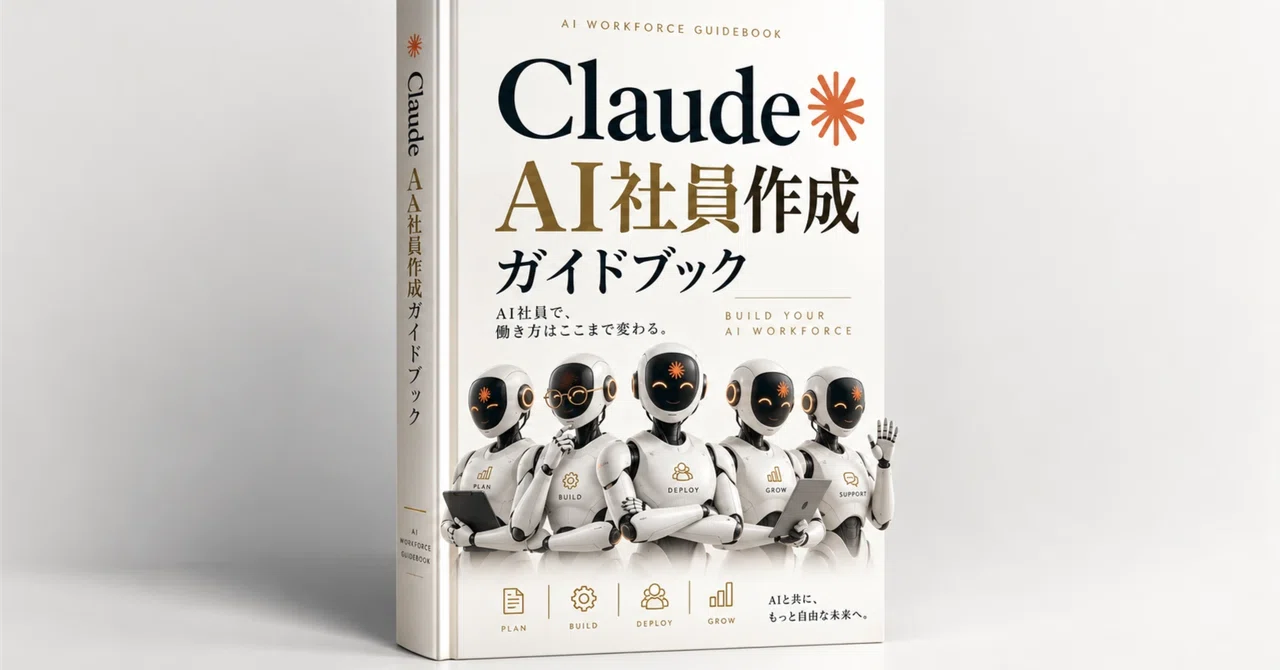
Loading the full article…
This text was published by note.com and written by きっしー|AI×在宅ワーク. It is reproduced here with attribution so you can read it in full; the rights remain with the publisher. Read it at the source ↗
Coverage and discussion
3sourcesThe headline, key points and digest above were generated by Digest AI's editorial model from the linked sources. Automated summaries can contain errors: the sources are the record. Spotted a mistake? Tell us. Published by Martin K., who runs Digest AI and handles corrections.
More in Marketing & Small Business
All →- 1min.AI offers team AI access for $69.97 · 2 src
- Anthropic launches Claude Personal Finance tool for U.S. Pro, Max, and Ultra users · 17 src
- Tado AI heating system saves 18% on gas bills in two-year test · 1 src
- Google adds Diwali AI image feature to Search app · 1 src
- WhatsApp adds custom names and pictures to Meta AI chats for Android beta testers · 1 src
Comments
via GitHub Discussions