OpenClaw releases version 2026.9.5 with atomic updates and plugin hot reload
OpenClaw announced version 2026.9.5, bundling 4,179 pull requests, 64 direct commits, and contributions from 502 accounts. The release introduces Atomic Updates, a process that keeps the Gateway running while a new version is validated, then rolls back automatically if the upgrade fails, ensuring a working agent is always available. It also adds plugin hot reload, conversation sharing, expanded…
Key points
- OpenClaw 2026.9.5 includes 4,179 pull requests from 502 contributors and 64 direct commits.
- Atomic Updates keep the Gateway running, validate the new version, and roll back on failure.
- New features add plugin hot‑reload, conversation sharing, GPT Live for Meet/Teams/Zoom, and shared browser pages.
OpenClaw Releases 2026.9.5 With Atomic Updates, Plugin Hot Reload, Conversation Sharing, and Expanded GPT Live
MarkTechPost · 19 September 2026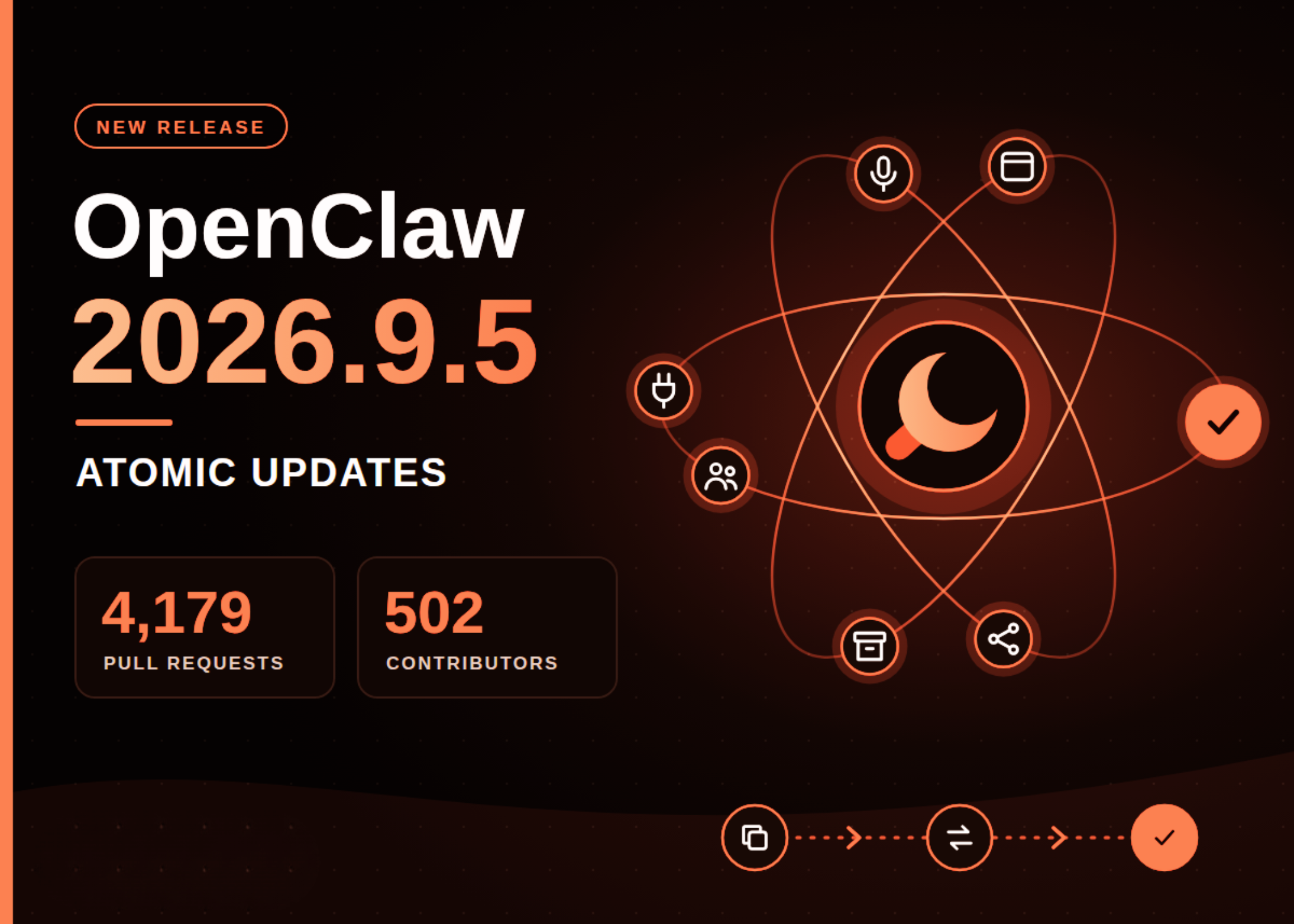
OpenClaw is an open-source, MIT-licensed personal AI agent that you run on your own machines. Its Gateway connects models, tools, and chat channels such as Telegram, Slack, and Discord. The project has now shipped version 2026.9.5, announced on X. The release bundles 4,179 pull requests and 64 direct commits, with credits to 502 contributing accounts. The main change is Atomic Updates, which targets a long-running complaint: updates that break a working agent.
Is it deployable? Yes, Version 2026.9.5 is the current latest tag on npm. It is self-hostable and needs Node 24.16+ or 26.1+.
Why OpenClaw Updates Kept Breaking
The OpenClaw team explained the problem in a blog post with maintainer Jason Sy. Before the fix, an update had 2 outcomes: incremental improvement or catastrophic failure. In the failure case, the old version went down as well. That left no agent online to help with the repair.
Two factors made this hard. First, OpenClaw has thousands of config options, so testing every permutation is near impossible. Second, maintainers rarely felt the pain themselves. They are developers who ask Claude or Codex to update their claw. For many users, the claw is their only agent. The OpenClaw 2.0 launch in early September made the issue too large to ignore.
How Atomic Updates Work
According to the Claw team, the needed pieces already existed in the upgrade process. They were in the wrong order. The new flow works like this:
- The existing Gateway keeps running while the update is prepared.
- The next version is checked against a private copy of your setup.
- OpenClaw switches over, then verifies the updated installation.
- If the update fails, it rolls back to the last working configuration.
OpenClaw always preserves a working agent, so it can help diagnose a failed upgrade. The team also added an issue reporting button for updates.
The release notes list clear limits. Atomic Updates apply on supported update paths only. Rolling back the application cannot undo database migrations. The private validation copy is not a backup, so keep a verified backup before upgrading. If an interactive update fails, AI repair starts only after you choose Yes. It uses your account and tokens, and a 30-second timeout skips it.
Interactive Explainer: OpenClaw 2026.9.5
What Else Ships in 2026.9.5
- Plugin hot reload: you can install or reload supported plugins without restarting the Gateway. It works from the CLI or an authorized chat command. The CLI also accepts several plugins in 1 command.
- Conversation sharing: Session Share gives teammates on another paired installation read-only access to selected conversation groups. Recipients see conversation text and eligible forks. They do not see subagents, tool activity, or reasoning. Revocation cannot recall what was already received.
- Expanded GPT Live: you can speak while GPT Live replies in supported Meet, Teams, and Zoom meetings. It can consult your OpenClaw agent during meetings or phone calls. Live is audio-only, so the notes point to
gpt-realtime-2.1for camera use. - Shared browser pages: a shared Browser dashboard lets you and your agent use the same page. It runs on a local OpenClaw-managed browser profile, not your laptop cookies.
- Conversation archiving: cold storage compresses older, inactive history. It is off by default and archives after 30 days once enabled. Reopening a conversation restores it and makes it searchable again.
- Specialist-agent setup: guided setup can create a chief of staff, researcher, writer, and reviewer. You can also pick a single specialist. Nothing is created before you approve the proposal.
One upgrade warning applies to everyone. This release changes the conversation database even with archiving off. Going back requires the matching older build and a backup.
How To Install or Upgrade
New installs can use the official script:
curl -fsSL https://openclaw.ai/install.sh | bash
If you already manage Node.js, install the published package:
npm install -g openclaw@latest --allow-scripts=openclaw
openclaw onboard --install-daemon
Existing users can run openclaw update. See the updating guide for manual paths. The release also adds a FreeBSD CLI install route using system Node and npm.
Key Takeaways
- OpenClaw 2026.9.5 ships 4,179 pull requests from 502 contributing accounts.
- Atomic Updates validate the next version while the current Gateway keeps running.
- Failed updates roll back, and a working agent stays available to diagnose.
- Plugins now install or reload without a Gateway restart.
- Back up first: rollback cannot undo database migrations.
Michal Sutter is a data science professional with a Master of Science in Data Science from the University of Padova. With a solid foundation in statistical analysis, machine learning, and data engineering, Michal excels at transforming complex datasets into actionable insights.
This text was published by MarkTechPost and written by Michal Sutter. It is reproduced here with attribution so you can read it in full; the rights remain with the publisher. Read it at the source ↗
The headline, key points and digest above were generated by Digest AI's editorial model from the linked sources. Automated summaries can contain errors: the sources are the record. Spotted a mistake? Tell us.
More in Agents & Tools
All →- Opinion: AI agents boost solo hackathon productivity, author prefers GPT-6 Astra · 1 src
- Freelance developer’s overreliance on Claude damages 50,000 users · 1 src
- How to use ChatGPT to organize pet symptoms and decide on vet visits · 1 src
- Opinion: Claude Code can handle hands, but not the human eye in video work · 1 src
- Unity releases official plugins for Claude Code and OpenAI Codex · 1 src
Comments
via GitHub Discussions