Anthropic adds file transfer to Claude connected apps
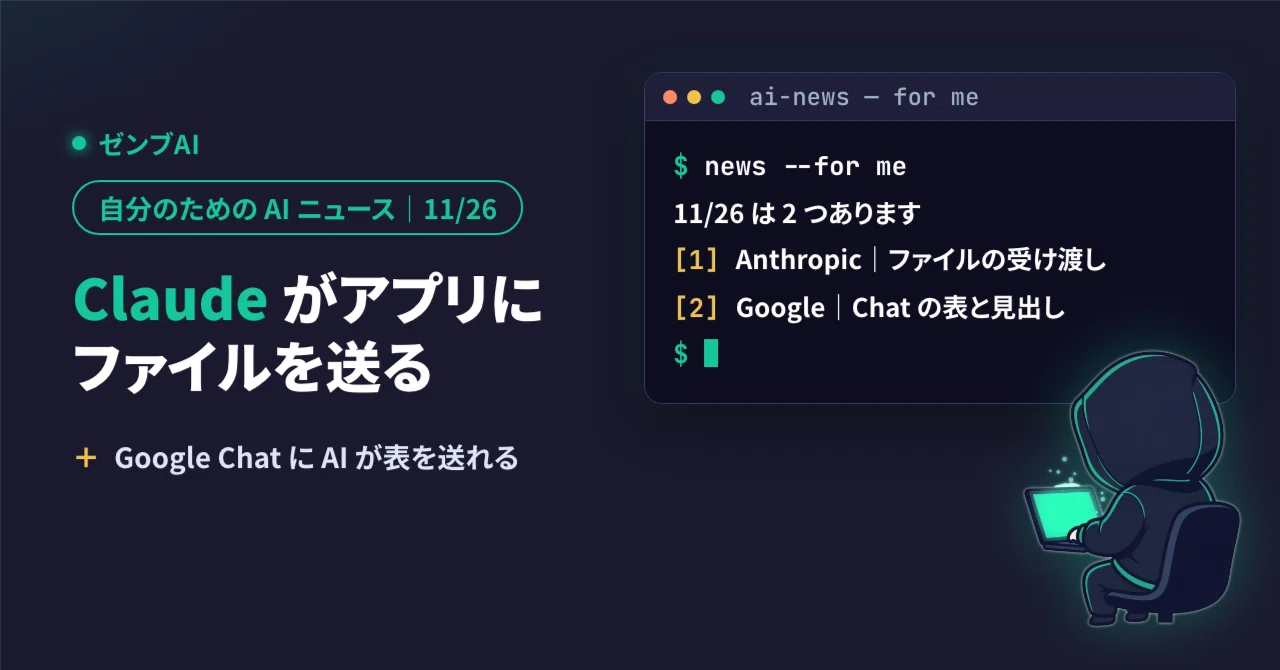
Anthropic announced on November 24 that users can now send files to apps connected to Claude and save files generated by those apps. The feature allows users to attach a file or specify its name and destination, such as uploading a presentation to cloud storage or importing a contract for review.
What you can do with it
AI at Work →Save generated files to connected apps in Claude
What you get You can save meeting summaries.
Transfers files to and from apps connected to Claude.
- Who for
- marketers and operations
- Cost
- included in a tool you already have
- Effort
- minutes
- Already included in
- Pro, Max, Ultra
Use it for
- Save meeting summaries
- Upload presentations
- Import contracts
How to set it up · From the article
- Attach a file or state its name
- Specify the app and location to send it to
- Confirm the prompt for the first send
Watch out Beta for Pro/Max/Ultra; Team/Enterprise needs owner enablement
Claude in the tool directory · 8 changes covered
Key points from the news
- Anthropic enables file transfer to connected apps for Pro, Max, and Ultra users in beta.
- Chat file transfers are limited to 10 files totaling 500MB, with 400MB per attachment.
- Google Chat now supports tables and headers in messages sent by apps and AI agents.
A confirmation prompt appears before the first send to each app, but subsequent transfers may proceed without asking depending on permission settings. The feature is currently in beta for Pro, Max, and Ultra users, with Team and Enterprise access requiring owner activation. It supports up to 10 files totaling 500MB in chat, and files pass through Anthropic's servers with temporary encrypted retention.
Google announced on November 23 that apps and AI agents can now send messages containing tables and headers in Google Chat. Developers can format these using Markdown specifications via the Chat API, supporting up to three levels of headers and bolding or links. While human users cannot create tables directly in the input field, the feature is available to all Workspace customers and personal Google account holders. Display varies by device: tables appear directly on web, while mobile users must tap "Show table" to view them. Incoming Webhooks do not display tables under default configurations.
The headline, key points and digest above were generated by Digest AI's editorial model from the linked sources. Automated summaries can contain errors: the sources are the record. Spotted a mistake? Tell us. Published by Martin K., who runs Digest AI and handles corrections.
More in Agents & Tools
All →- Researchers find 5 malicious GGUF models on Hugging Face with 2428 downloads · 1 src
- Claude Code web lets developers run coding tasks unattended · 2 src
- Obsidian adds official AI agent connectors while keeping app AI-free · 2 src
- Anthropic expands Claude Duet to India and launches healthcare suite · 6 src
- OpenAI builds Athena platform to improve AI agent data accuracy · 2 src
Comments
via GitHub Discussions