Use Obsidian and Google Drive to keep Claude Code AI employee memory
The author explains a practical way to give Claude Code AI agents a persistent memory by having them write their research, rules, and work logs to Markdown files. Those files are stored in an Obsidian vault that lives inside a Google Drive folder synced to the cloud. When the same vault is opened on another computer, the AI can read the saved notes and continue the conversation as if it never…
What you can do with it
AI at Work →stores Claude Code AI agent notes as markdown files synced via Google Drive.
- Who for
- founders and operations
- Cost
- Cost not stated
- Effort
- minutes
Use it for
- save research outputs
- track decision rules
- resume AI sessions on another computer
Watch out Simultaneous edits can overwrite files, causing loss of saved AI notes.
Key points from the news
- Obsidian vault placed inside Google Drive folder syncs markdown notes across computers.
- Claude Code AI agents write research, rules, and logs to these files for session continuity.
- Simultaneous edits can overwrite files; the author offers a paid setup service to avoid loss.
The setup requires installing Google Drive for Desktop, creating a synced folder, and opening it as an Obsidian vault on each device. Because the sync works at the file level, the system does not support real‑time collaborative editing; editing the same file on multiple machines at once can cause overwrites and lost data. The author also notes issues like drive‑letter changes on different PCs. For users who need a more robust solution, a paid service is offered to build AI‑utilization foundations and handle these synchronization pitfalls.
Using 'Obsidian × Google Drive' to keep Claude Code (AI employees) from losing their memory — Data synchronization across multiple PCs and the pitfalls I actually encountered
note.com · 19 September 2026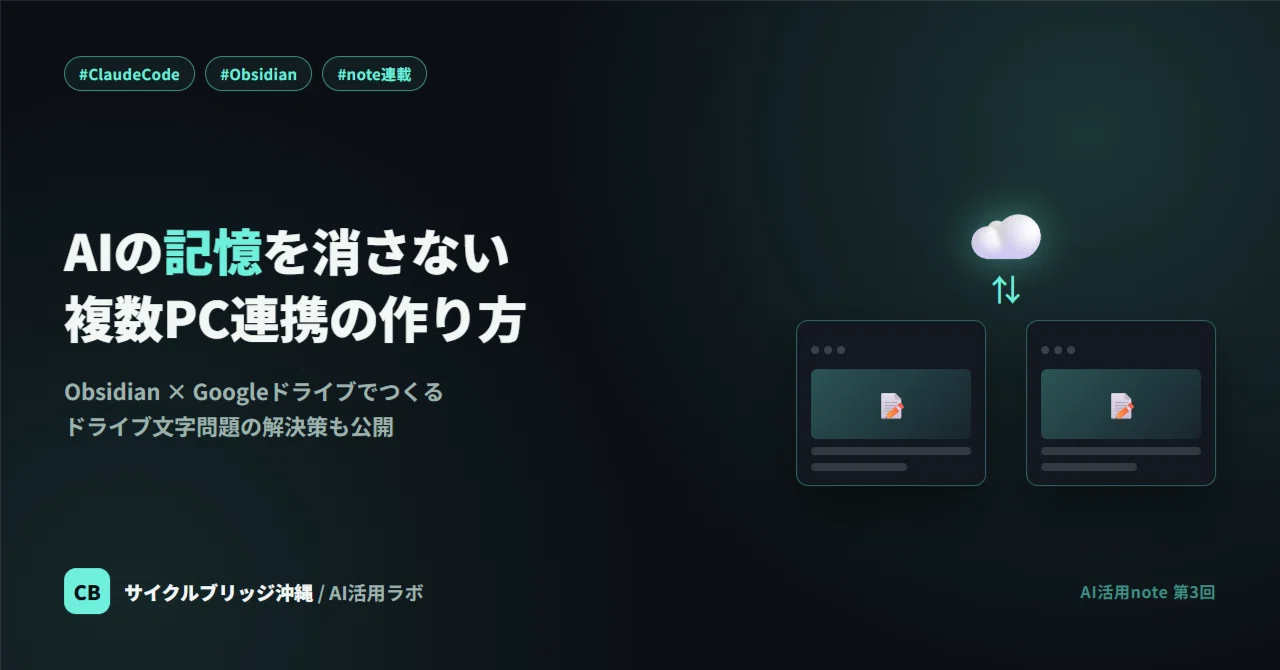
Using 'Obsidian × Google Drive' to keep Claude Code (AI employees) from losing their memory — Data synchronization across multiple PCs and the pitfalls I actually encountered
In previous articles, I introduced how the 'AI employees' created with Claude Code conduct research and make decisions. This time, I'll talk about the behind-the-scenes, mundane but crucial mechanism of 'how to keep the AIs' memories from being erased.'
Why is a 'place to store memories' necessary?
Conversations with AIs like Claude Code are basically completed within that session (a single interaction). Once the session ends, the content researched and the rules decided at that time will not be carried over to the next time unless you do something. In human terms, it's like having to explain everything from scratch to a new hire who is talented but has their memory reset every time.
Since this is problematic, we use a system where 'the AI writes down the content it researched, the rules it decided, and its work logs as local files.' The combination of the note-taking app Obsidian and the cloud storage Google Drive is what we use to store those files.
The combination of tools we use
- Obsidian: An app that allows you to treat Markdown files as notes. It has a simple structure where one file equals one note, without using a special database.
- Google Drive for Desktop: A synchronization tool that displays Google Drive as a 'regular folder' on your computer.
What we do is very simple: just place the Obsidian Vault (the folder where notes are stored) inside a folder that Google Drive is syncing. This alone allows you to open the same note contents from multiple computers, such as an office PC, a store PC, or a home PC. When you ask an AI agent to 'save this content,' it is written as a Markdown file inside this shared folder, so even if you start a new session on a different computer, you can read that file and continue the conversation from where you left off.
Basic setup flow
- Install Google Drive for Desktop and sync the drive as a folder on your computer
- Create one folder for storing notes inside the synced folder (you can also use a folder you are already using)
- Install Obsidian and open that folder as a 'Vault'
- On another computer, install Obsidian as well, and open the same Vault folder inside the folder synced with the same Google account
With just this, notes written on one computer will be reflected in the Obsidian on the other computer after a short wait (once Google Drive synchronization is complete).
Prerequisites you should know
There is one point to note here. Neither Google Drive nor Obsidian performs real-time collaborative editing like Google Docs. Since it is strictly a mechanism to 'sync files,' if you edit the same file on different computers at almost the same time, the changes from one might be overwritten and lost. If you use this without knowing this premise, it can lead to accidents where 'notes you thought you saved have disappeared.'
For those who say, 'I want to entrust research and record-keeping to AI in my own company, but I want to outsource the creation of this kind of foundation,' we also provide a service that handles the construction of AI utilization foundations (including agent design and the creation of memory persistence mechanisms). For details, click here: https://www.cyclebridgeokinawa.com/ai-shainka/
In the paid section, I will specifically introduce, at a reproducible level, how we actually deal with this 'disappearing due to simultaneous editing' problem, and how to deal with the even more troublesome 'drive letter changes' problem when operating on multiple computers.
This text was published by note.com and written by サイクルブリッジ沖縄/PC SHOP IGE | AI活用ラボ. It is reproduced here with attribution so you can read it in full; the rights remain with the publisher. Read it at the source ↗
The headline, key points and digest above were generated by Digest AI's editorial model from the linked sources. Automated summaries can contain errors: the sources are the record. Spotted a mistake? Tell us.
More in Agents & Tools
All →- meta platforms launches muse ai agent for mac · 14 src
- OpenClaw releases version 2026.9.5 with atomic updates and plugin hot reload · 1 src
- Opinion: AI agents boost solo hackathon productivity, author prefers GPT-6 Astra · 1 src
- Freelance developer’s overreliance on Claude damages 50,000 users · 1 src
- How to use ChatGPT to organize pet symptoms and decide on vet visits · 1 src
Comments
via GitHub Discussions